01
Before the assignment: set expectations.
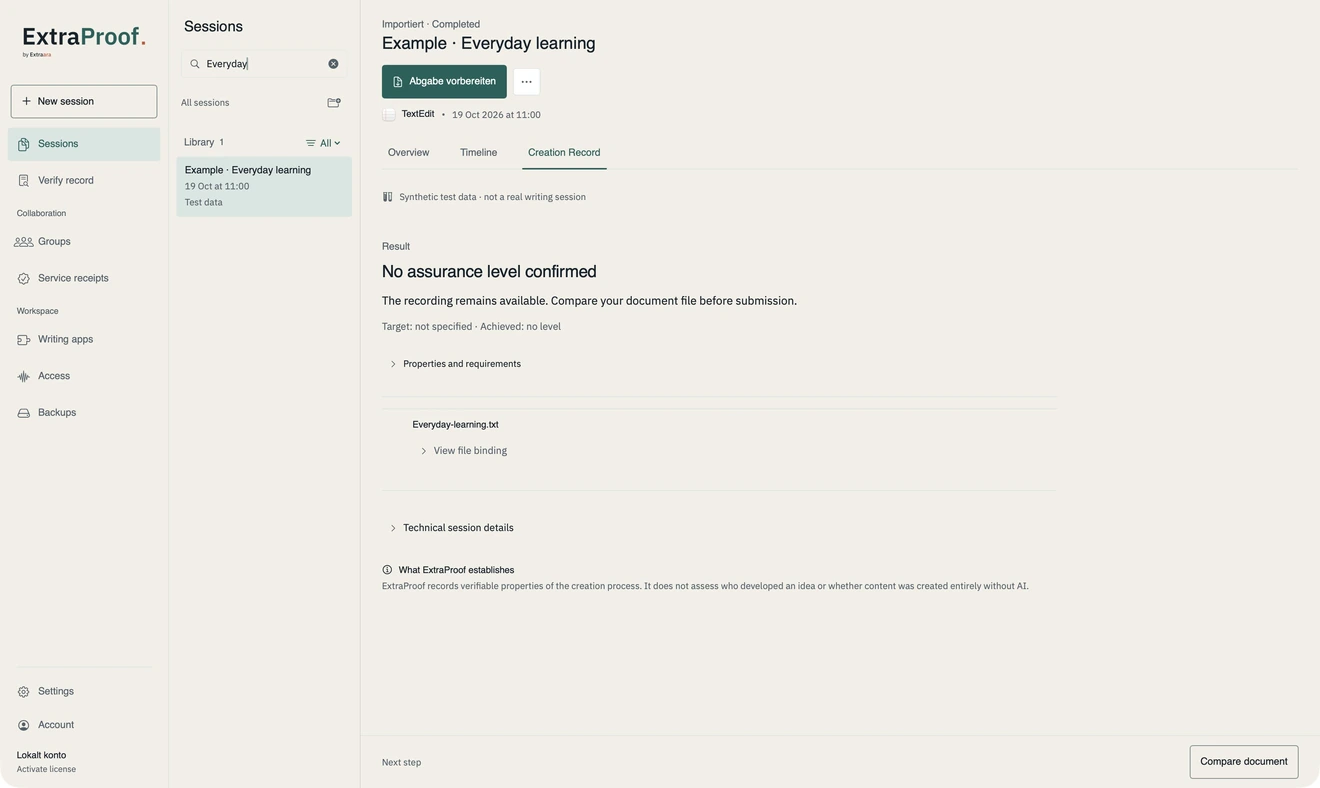
Explain the permitted use of research, quotations, translation and AI assistance. Define which stages of work are recorded and who may see the record. An example record makes the requirements easier to understand.
02
Connect Word and Moodle.
ExtraProof connects a writing session in Word with submission in Moodle. The document and record are submitted together. Teachers see the corresponding verification in the course.
- Students open the ExtraProof activity in their course and connect it to their Word session.
- After the session ends, ExtraProof shows the recipient, course and activity. Confirming submission sends the document and signed record together.
- Teachers see the submission and verification result. Moodle receives a separate “Record checked” status column.
03
When questions arise: discuss the process.
An interrupted session or a gap in capture needs context. Discuss such findings with students and consider other evidence of their work. Typing speed or missing data does not replace academic judgement.
- Account for assistive technology and reasonable adjustments.
- Define an equivalent alternative for technical limitations.
- Set access rights and retention periods before recording starts.