
01
You decide when to start.
Select your writing app and start a session in Writer. The sensor status shows which signals are recorded. You can pause and resume recording.
02
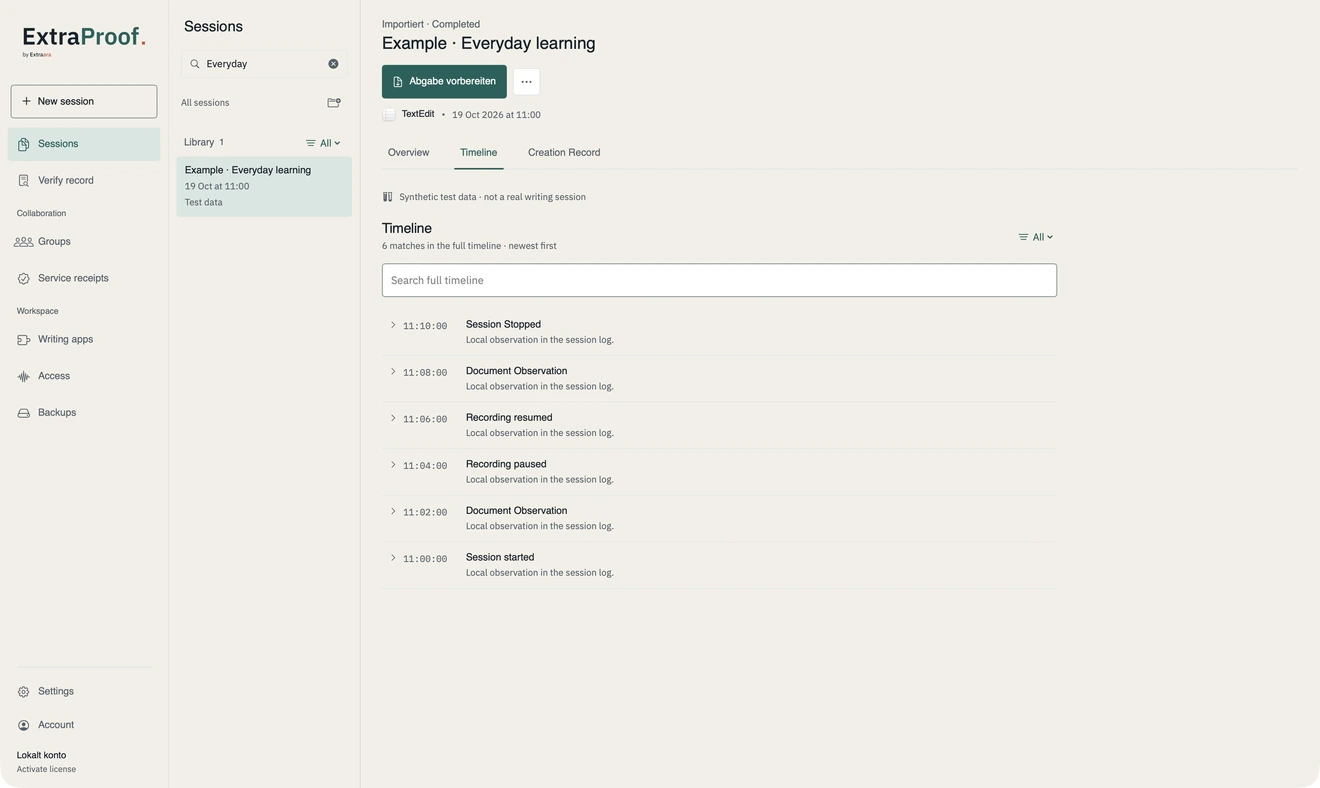
See the session history.
The local timeline shows observations and their technical context. Missing sensors, secure input modes and interruptions remain visible. ExtraProof captures coarse activity signals; typed characters, clipboard contents and manuscript text are not part of the telemetry.
03
Finish with the right version.
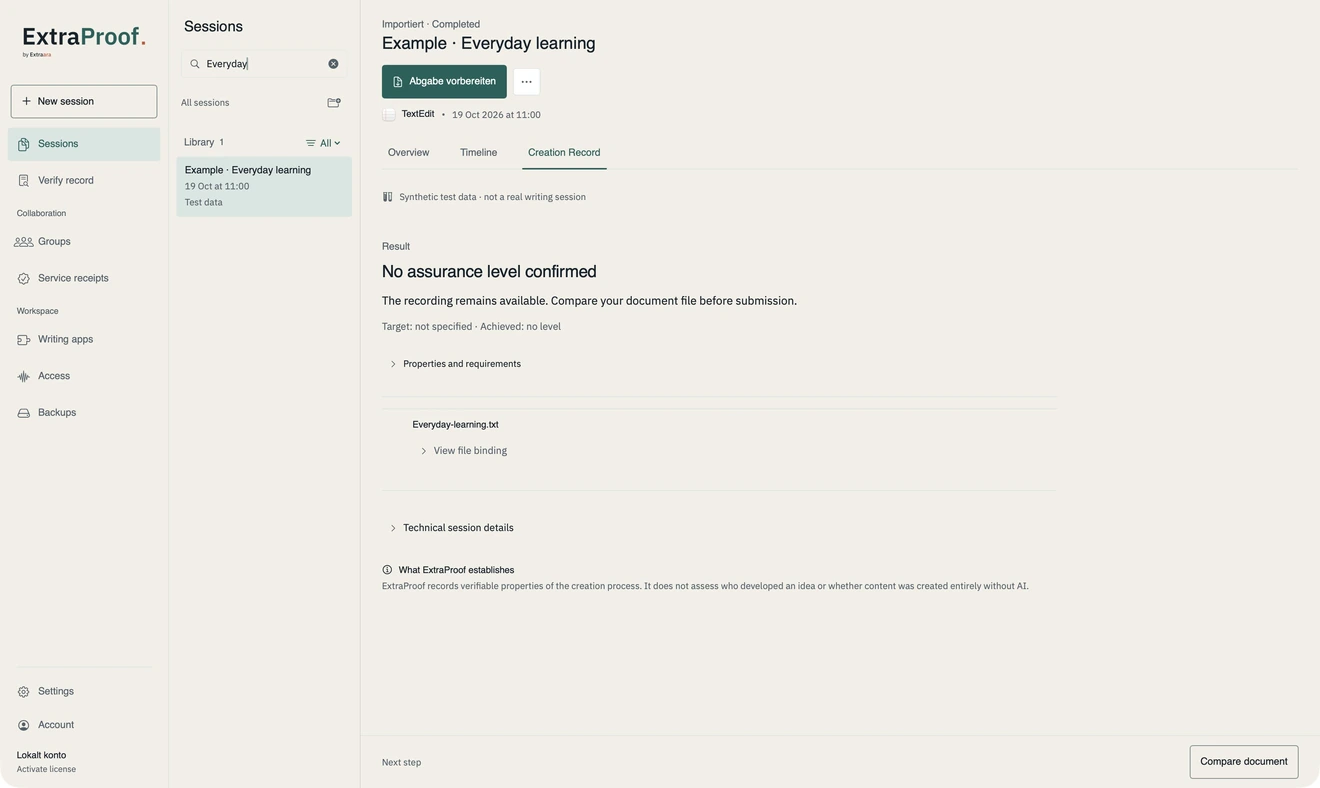
First save or export your text from the writing app. When you finish the session, you can select that file. ExtraProof binds its hash and byte count to the record, allowing an exact comparison later.
- Export a signed PDF evidence document with its embedded Creation Record.
- Export the JSON record separately for technical verification and integration.
- Reopen and inspect sessions in the local library.
04
Share what the submission requires.
Share the PDF evidence document and, for file comparison, the unchanged bound version. The JSON record can be used instead. Review metadata such as the app identifier, session times and filename before sharing. Recipients do not need an account for Verify. The browser checks the embedded record, not visible PDF content or the PDF/CMS signature.